
If you manage hybrid or remote staff, you probably compared employee monitoring options and Hubstuff already. Both track time and activity. The difference shows up in how much detail you get and what you can actually do with the data once it lands in your dashboard.
Controlio software turns raw logs into AI-generated productivity scores and trend visuals. You spot focus time, multitasking habits, and workload spikes that often signal burnout risk before anyone raises a hand.
Time tracking that runs without manual timesheets
Controlio logs session starts, ends, and breaks on its own. Your people do not touch timesheets. Attendance data flows straight into reports and payroll exports. Managers skip the weekly chase for hours. Both tools support Windows and macOS. Controlio also covers Linux servers for backend and dev teams that rarely sit at a desk.
Hubstuff builds clean timesheets tied to projects and clients. It connects with Jira, Asana, and payroll tools in many countries. Field teams add GPS location tracking through extra paid options when jobs take them outside the office. The automatic flow in Controlio helps when staff switch laptops or work from different spots during the week. The project focus in Hubstuff wins when every hour needs billing to a specific client or job code.
Activity tracking that reveals real work patterns
Controlio watches app and website use at a granular level. It counts clicks, keystrokes, and copy-paste moves. AI groups tasks so repetitive work or hidden time sinks stand out fast. You can turn on screen recording only for certain apps or when rules get broken. You catch workflow bottlenecks through the copy-paste and keystroke counts that basic lists miss.
Hubstuff grabs screenshots every few minutes and lists the apps or sites used. Idle time alerts flag long pauses. The picture stays lighter and loads quicker for quick checks. Some users note that idle alerts can fire even during focused stretches without mouse movement. Teams hit a wall with screenshot tools alone when sensitive files move or people live in chat apps all day. Controlio surfaces those exact behaviors through input operation reports and custom behavior rules.
Alerts and blocks that step in before problems grow
Controlio lets you build rules by role or department. It can shut down social media, personal messengers, or USB access during work windows. Alerts hit for long idle stretches or odd patterns. Live view and screen grabs stay available for real-time guidance or later review. A support team can block external file shares after hours. An engineering group gets flagged for unusual printer or email volume that might signal data movement.
Hubstuff pings managers about extended idle time. It offers no site blocking or device control. The system measures rather than steers behavior. Finance or healthcare groups feel this gap first. Controlio’s rule engine plus GDPR and HIPAA-aligned logging creates records that pass audits. Lighter tools leave the prevention and compliance layer to manual processes or other software.
Reports that turn data into coaching moves
Controlio delivers scheduled reports with heat maps, bars, and trend lines. Workload balance views show who carries too much or too little. You see top performer routines and can coach the rest toward better focus habits. Enterprise plans export hundreds of thousands of records without trouble. The burnout signals come from sustained overload patterns across weeks, not single bad days. You can schedule them to land in Slack or email every Friday with only the KPIs you care about.
Hubstuff gives you twenty-plus ready reports on time distribution and activity. Dashboards stay simple. Small teams often prefer that they do not need extra training to read the numbers each Monday. Deeper visuals matter when you redistribute tasks or run performance reviews based on real patterns. Basic reports do the job fine when your only question is whether hours match the plan for the week.
Scale, deployment, and the privacy line
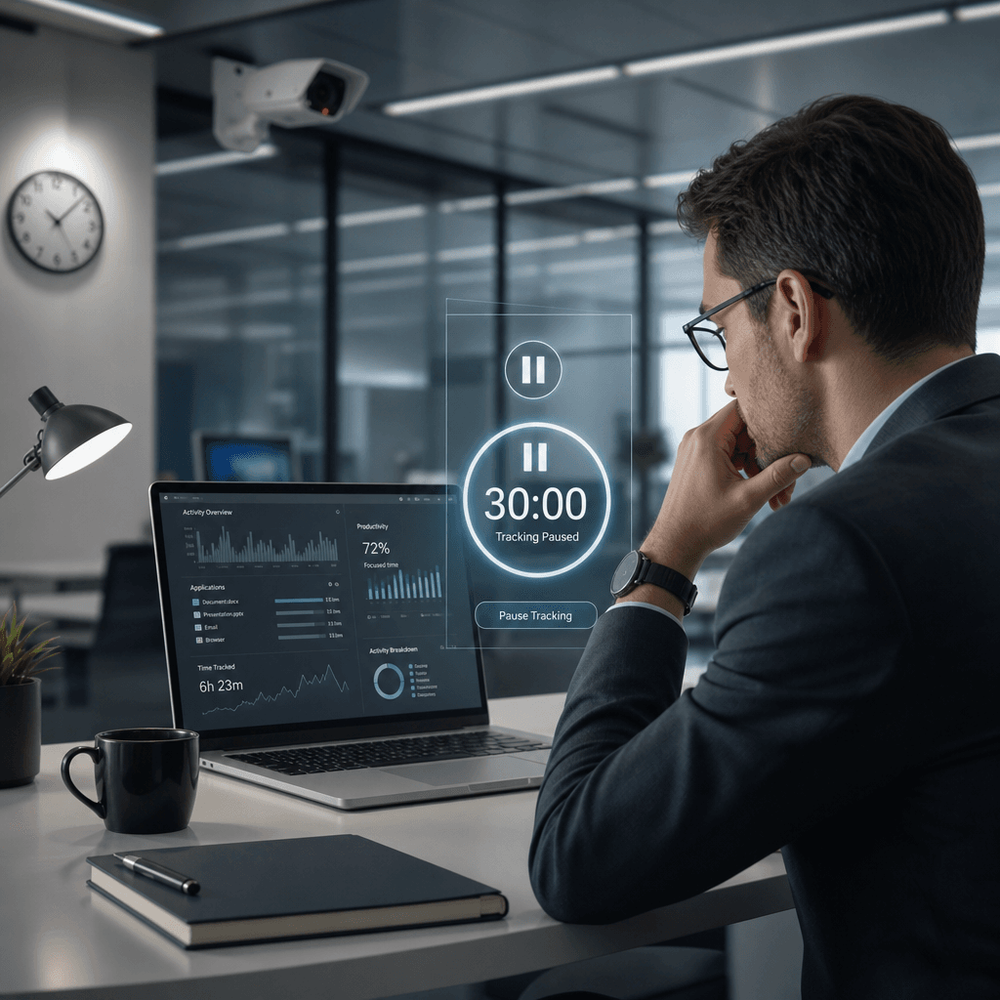
Controlio runs in cloud, private cloud, or on-premise setups. It grows from small groups of five to ten thousand-plus users across tiers. Role controls, encryption everywhere, and a taskbar pause button for employees keep privacy reasonable while data stays locked down. The employee-controlled pause respects personal boundaries during breaks. Audit logs track who viewed what data and when.
Hubstuff stays cloud-first with simple installs. It suits teams under fifty without heavy IT lift. Higher plans add admin tools and compliance extras for bigger organizations. Big companies or those under strict data rules often pick the on-premise route and long retention Controlio offers. Startups and field-heavy groups save setup time and money with the lighter cloud option from Hubstuff.
The bottom line
Controlio gives teams the edge when you need productivity coaching data plus security rules that actually limit leaks and time waste. The AI layers and compliance toolkit justify the step up when auditors or client data sit in the mix. It fits mid-size to enterprise teams that coach people or answer to auditors.
Hubstuff keeps things practical for freelancers, small hybrid crews, or field crews that mainly need accurate hours and project tracking. Its low starting price around five dollars per seat makes the entry painless, and you add GPS or extra insights only when the work demands it.
Both platforms run fourteen-day trials. Start with Controlio if your main headaches involve performance visibility, insider risks, or compliance paperwork. Test the simpler tool first when budget and quick setup matter more than depth. What you use week after week decides which one stays.
